Retrieving an API Token
This guide walks you through the process of creating and retrieving an API token for accessing the Velolink API.
Steps to Create an API Token
-
Log in to the Velolink Console
-
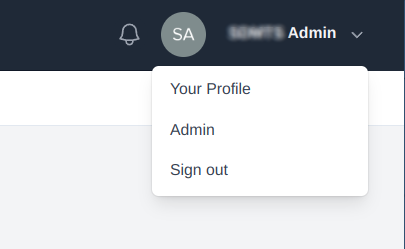
Click on your user profile in the top-right corner and select "Admin" from the dropdown menu
-
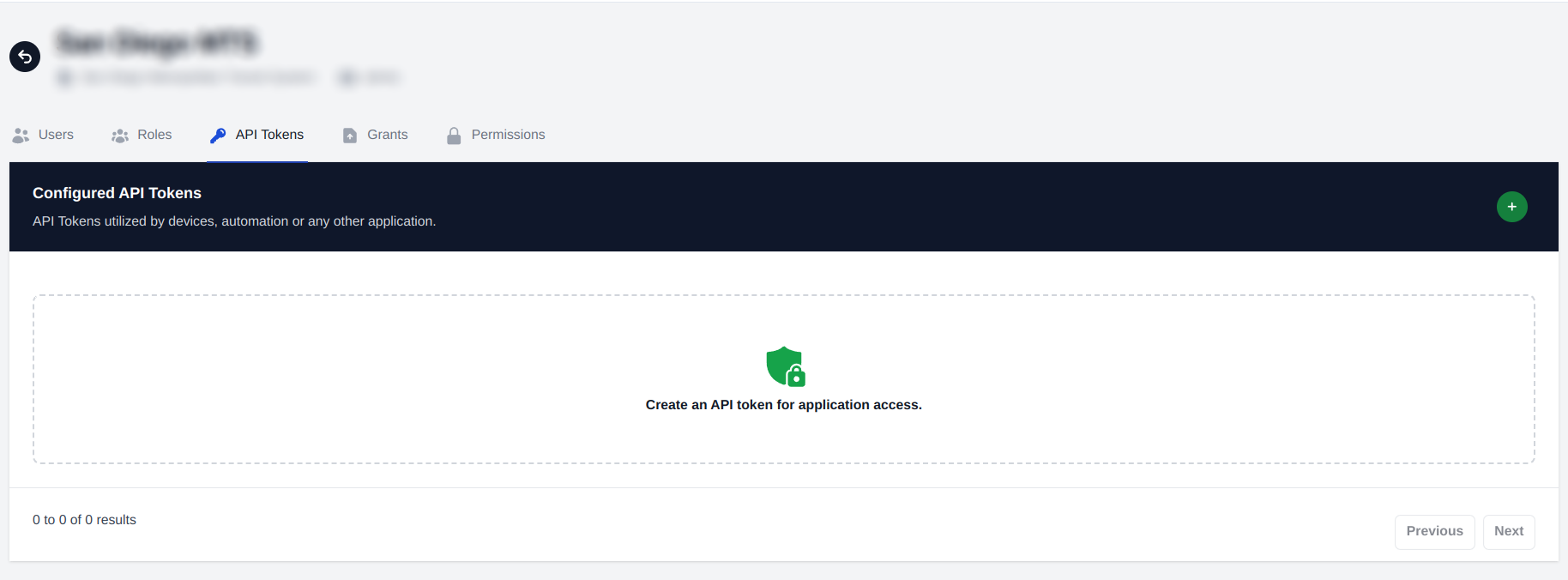
In the admin interface, click on "API Tokens" in the navigation menu
-
Click the "+" button to create a new API token
-
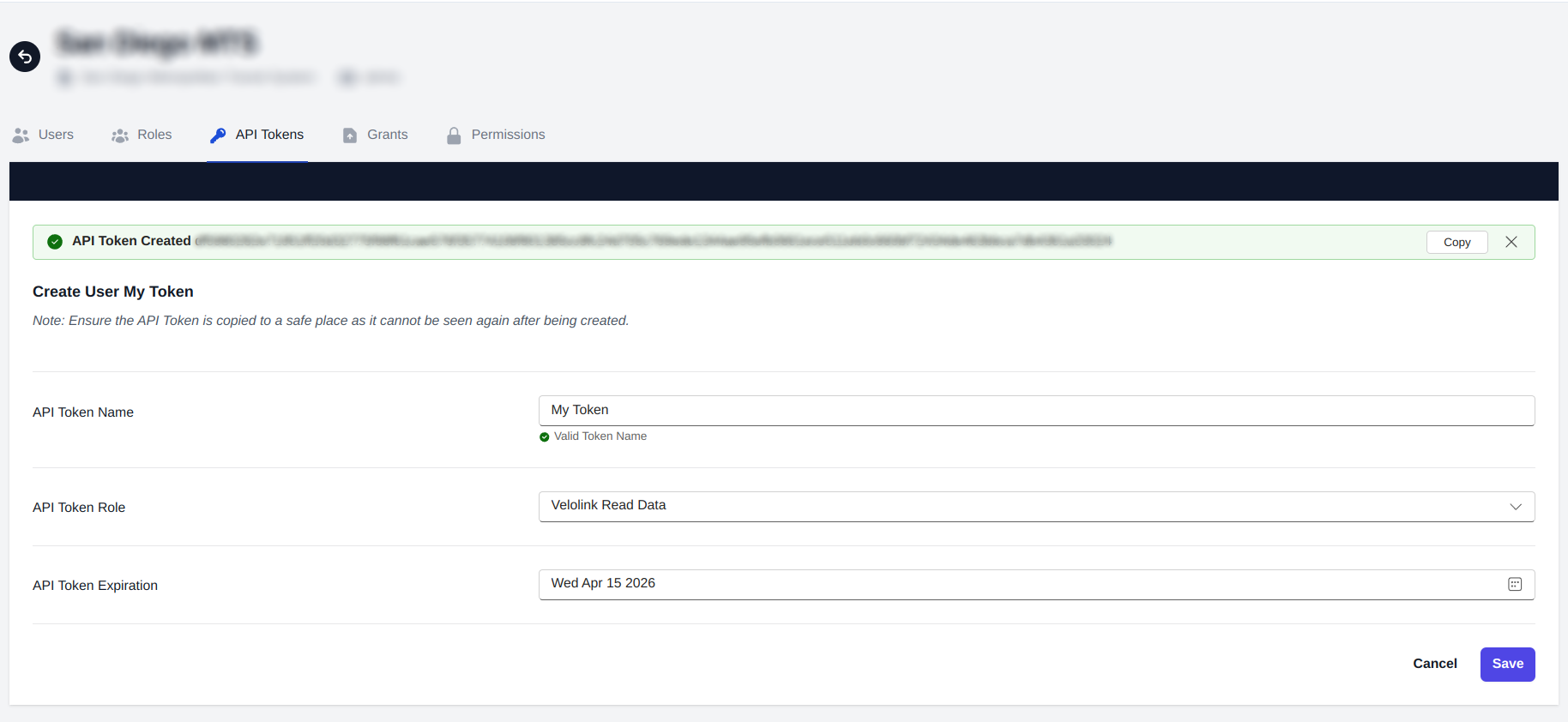
Fill in the required information:
- Enter a descriptive name for your token
- Select the appropriate role/permissions
- Set an expiration date (if desired). By default, the token will expire 1 year from the current day.
-
Click "Save" to generate your token
Important Security Note
warning
After creation, make sure to:
- Copy the generated token immediately
- Store it in a secure location
- The token will only be shown once and cannot be retrieved again after leaving the page
If you lose your token, you'll need to create a new one and update any applications or services using the old token.